Professional Engineering Tools Dashboard
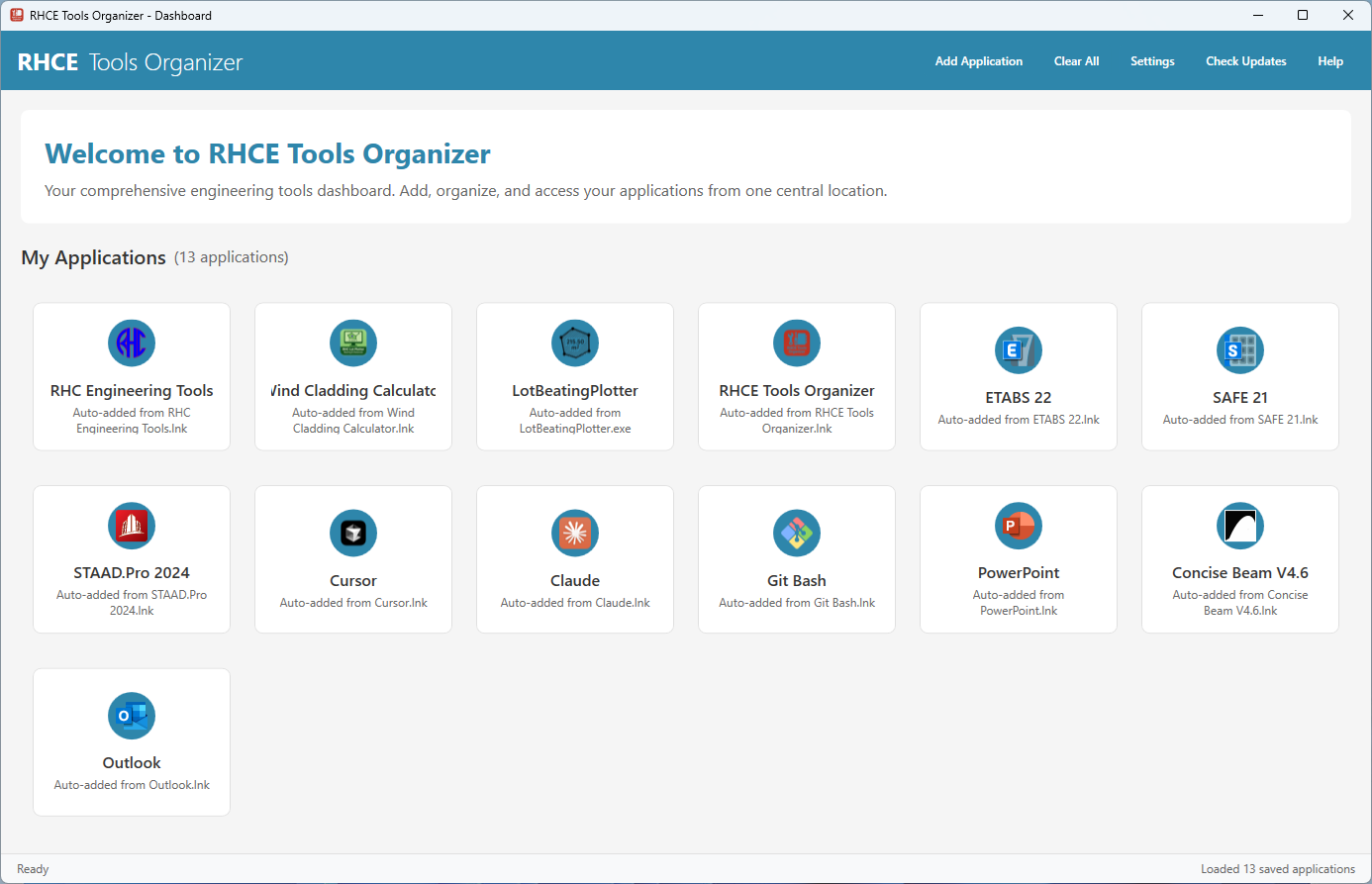
Organize, manage, and launch your engineering applications from one central location. Streamline your workflow with our comprehensive desktop dashboard for Windows.
Powerful Features
Everything you need to organize and manage your engineering tools efficiently
Application Management
Add, organize, and manage all your engineering applications from one central dashboard. Support for .exe, .lnk, .bat, and .cmd files.
Drag & Drop Interface
Simply drag and drop application files onto the dashboard to add them instantly. Reorder applications by dragging them to new positions.
Icon Extraction
Automatically extracts and displays application icons for easy visual identification. Clean, professional interface with high-quality icon rendering.
Database Integration
Built-in database connectivity for advanced features and data persistence. Test database connections and manage application data efficiently.
Secure & Reliable
Built with security in mind. Device registration system and license management ensure your tools are protected and properly licensed.
Easy Configuration
Simple configuration options and settings management. Customize your dashboard experience to match your workflow preferences.
Download RHCE Tools Organizer
Get the latest version of RHCE Tools Organizer and start organizing your engineering tools today. Free download with no hidden costs.
Safe & Secure Download
Get Support
Need help? We're here to assist you with any questions or issues.
Frequently Asked Questions
Find answers to common questions about RHCE Tools Organizer.
RHCE Tools Organizer supports .exe, .lnk, .bat, and .cmd files. You can drag and drop these files directly onto the dashboard to add them.
Yes, RHCE Tools Organizer is completely free to download and use. There are no hidden costs or subscription fees.
RHCE Tools Organizer requires Windows 10 or later and .NET 8.0 runtime. The application is lightweight and runs efficiently on most modern systems.
Download the latest version from our website and run the installer. Your existing application data will be preserved during the update process.